
Graphic Designing Course
August 17, 2026 2026-08-18 5:12Graphic Designing Course
Graphic Designing

Adobe Photoshop Course
View Course
Adobe Illustrator Course
View Course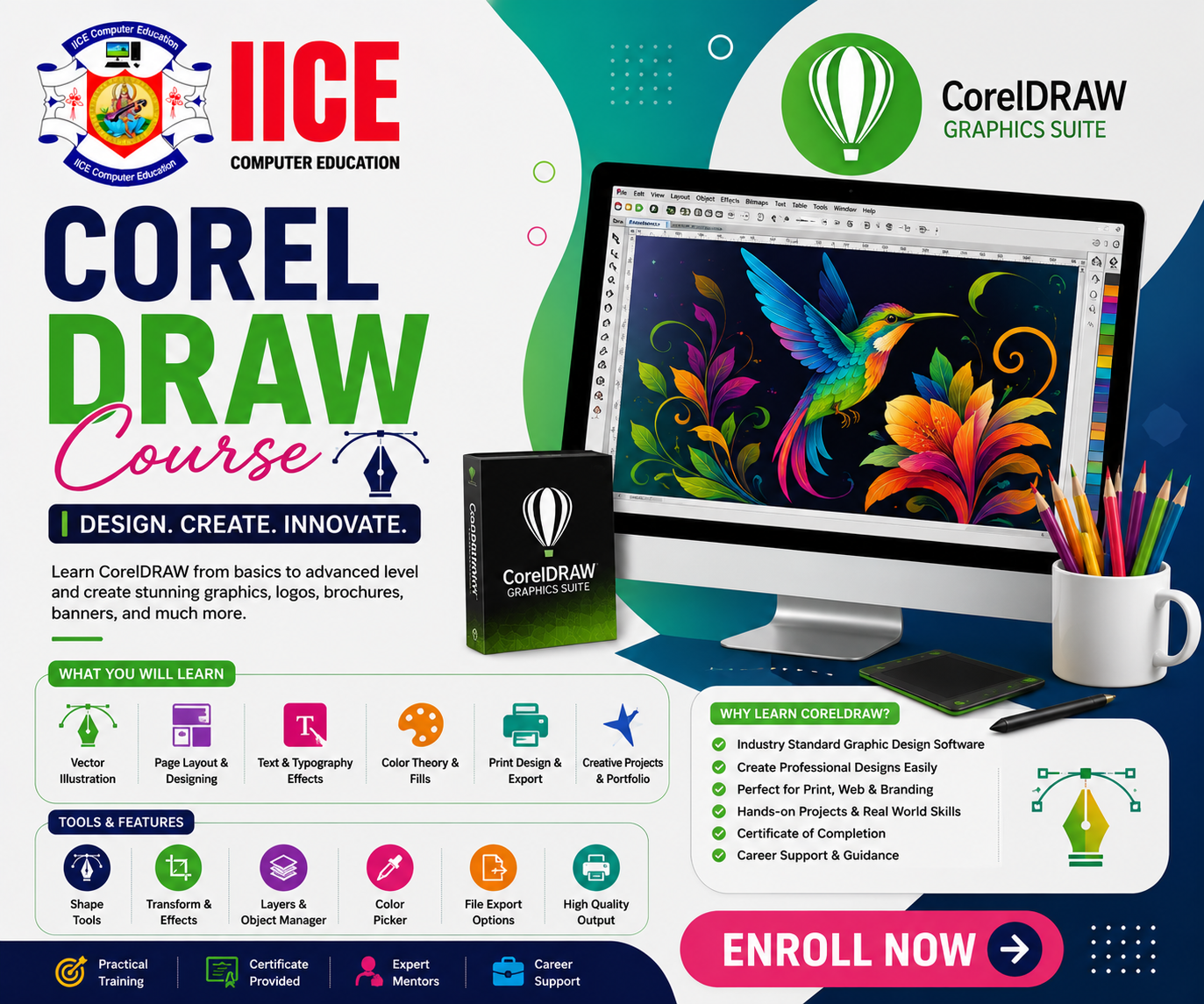
CorelDRAW Course
View Course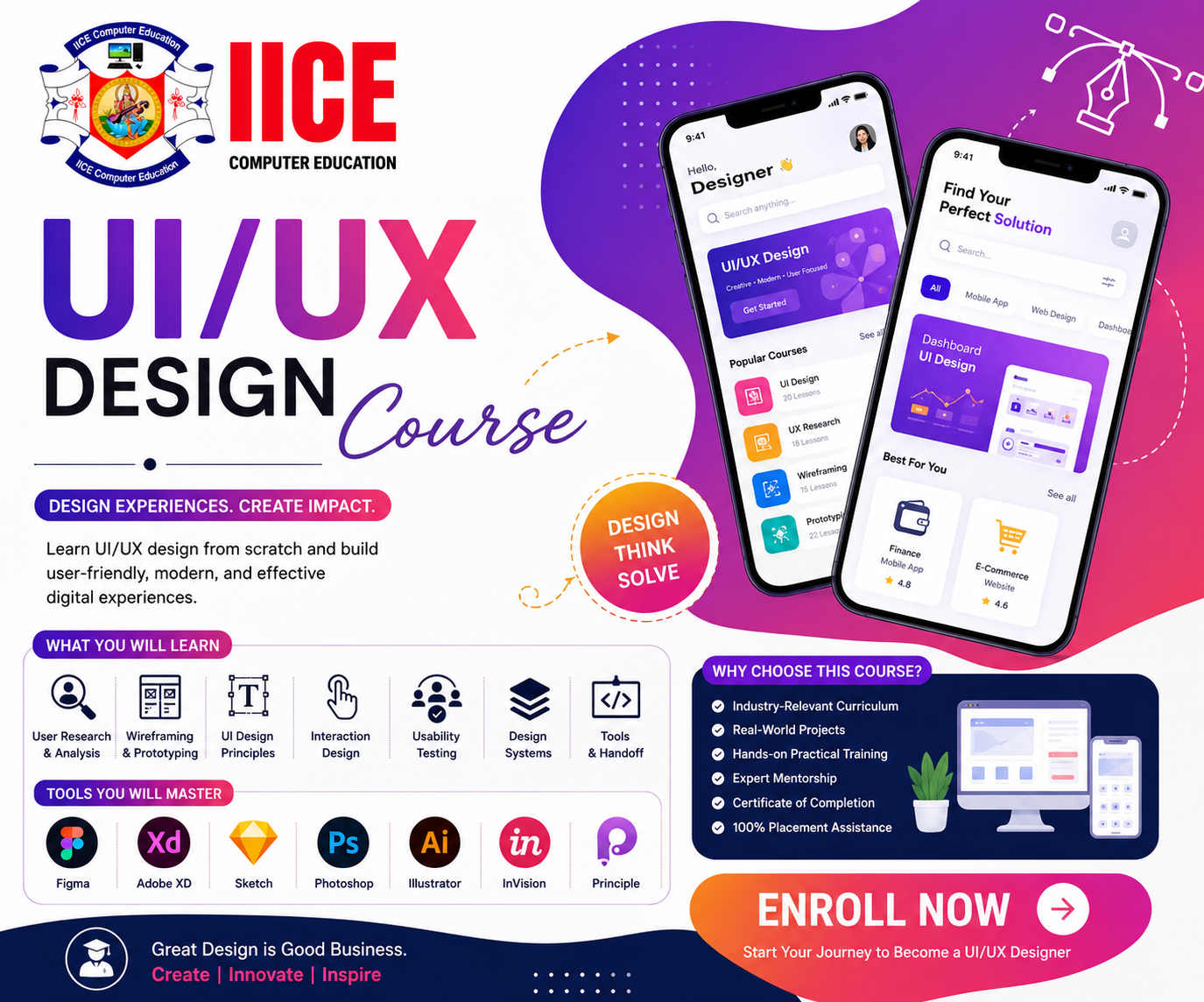
UI/UX Design Course
View Course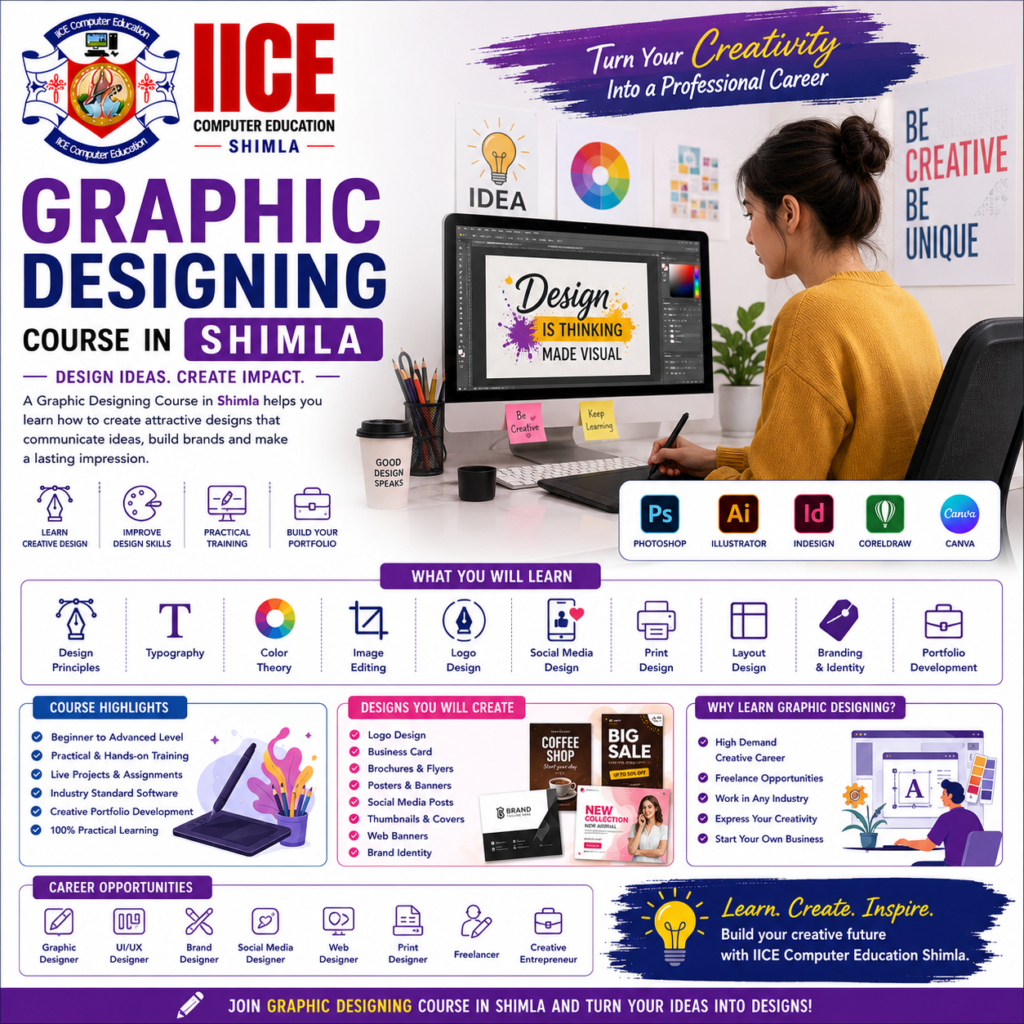
Graphic Designing Course in Shimla
Introduction
A Graphic Designing Course in Shimla helps students learn how to create attractive pictures, posters, logos, social media posts, banners, and other digital designs. Graphic design is not only about making something look beautiful; it is also about using images, colours, text, shapes, and layouts to share an idea clearly.
At IICE Computer Education Shimla, students can learn graphic designing step by step through simple lessons, computer practice, creative exercises, and practical projects.
Students do not need to be professional artists to start learning graphic design. They can begin with simple designs and slowly learn how to use design software, choose colours, arrange text, edit images, create logos, and make designs for different purposes. This makes a Graphic Designing Course in Shimla suitable for beginners who want to develop creative and computer skills.
What Is Graphic Designing?
Graphic Designing is the process of creating visual content to communicate an idea or message.
For example, when you see a colourful poster for an event, a logo on a company website, or an attractive social media post, graphic design has been used to create it.
A simple design process can be understood as:
Idea → Plan → Design → Edit → Improve → Final Design
Students can learn how small design elements work together to create a complete visual.
Why Learn Graphic Designing?
Graphic design is used by businesses, schools, shops, advertising agencies, websites, social media pages, newspapers, magazines, and many other organizations.
Learning graphic design can help students create their own posters, logos, advertisements, social media graphics, presentations, brochures, and other creative materials.
Key Benefits
- Learn graphic design from basics
- Develop creative thinking
- Learn professional design software
- Understand colours and typography
- Learn image editing
- Create logos and posters
- Design social media posts
- Create banners and advertisements
- Learn branding basics
- Create print and digital designs
- Work on practical projects
- Build a graphic design portfolio
Graphic Designing Course for Beginners
A Graphic Designing Course in Shimla can be suitable for school and college students, graduates, job seekers, freelancers, business owners, digital marketing learners, and beginners interested in creative computer work.
Students do not need advanced design knowledge before joining. They can start with basic design concepts and gradually learn software and practical design techniques.
What Will You Learn?
Students can learn how to turn a simple idea into an attractive visual design.
The learning journey can include:
Design Basics → Photoshop → Illustrator → CorelDRAW → Branding → Social Media Design → UI/UX → Projects
Students can also learn how to select suitable colours, fonts, images, and layouts according to the purpose of a design.
Graphic Designing Course Syllabus
Learn Adobe Photoshop
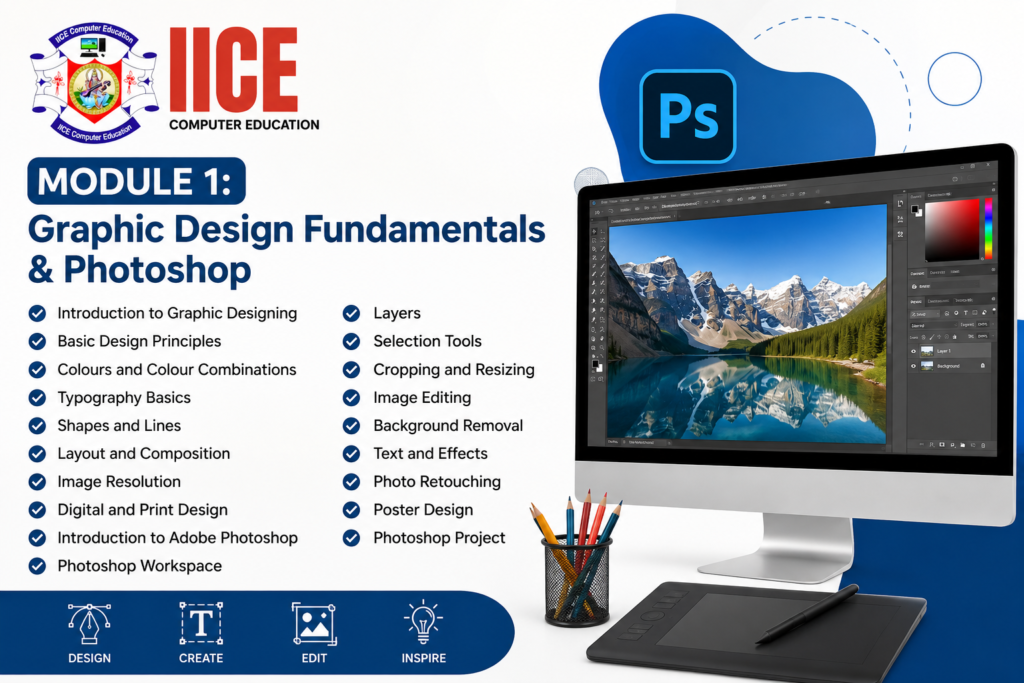
Adobe Photoshop is widely used for image editing and digital graphic work.
Students can learn how to:
- Edit photographs
- Remove backgrounds
- Adjust images
- Create posters
- Design banners
- Create social media posts
- Add text and effects
- Combine multiple images
- Create digital advertisements
Students can begin with simple tools and gradually learn more advanced editing techniques.
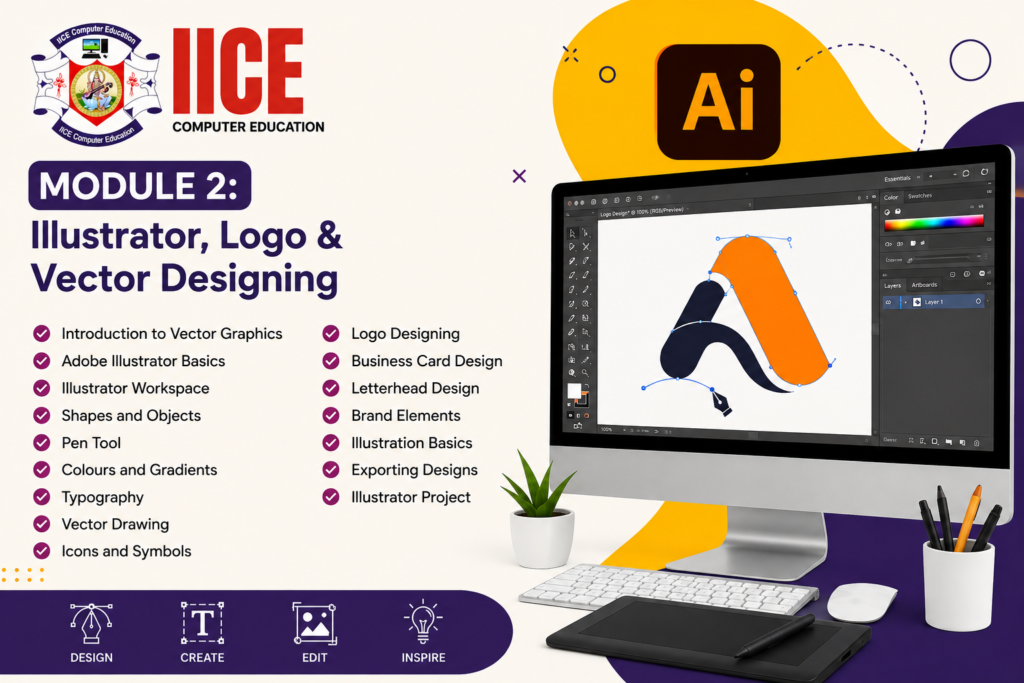
Learn Adobe Illustrator
Adobe Illustrator is used mainly for creating vector designs.
Students can learn how to create:
- Logos
- Icons
- Illustrations
- Symbols
- Typography designs
- Business branding elements
Vector designs can be resized without losing their basic quality, which makes them useful for many types of design work.
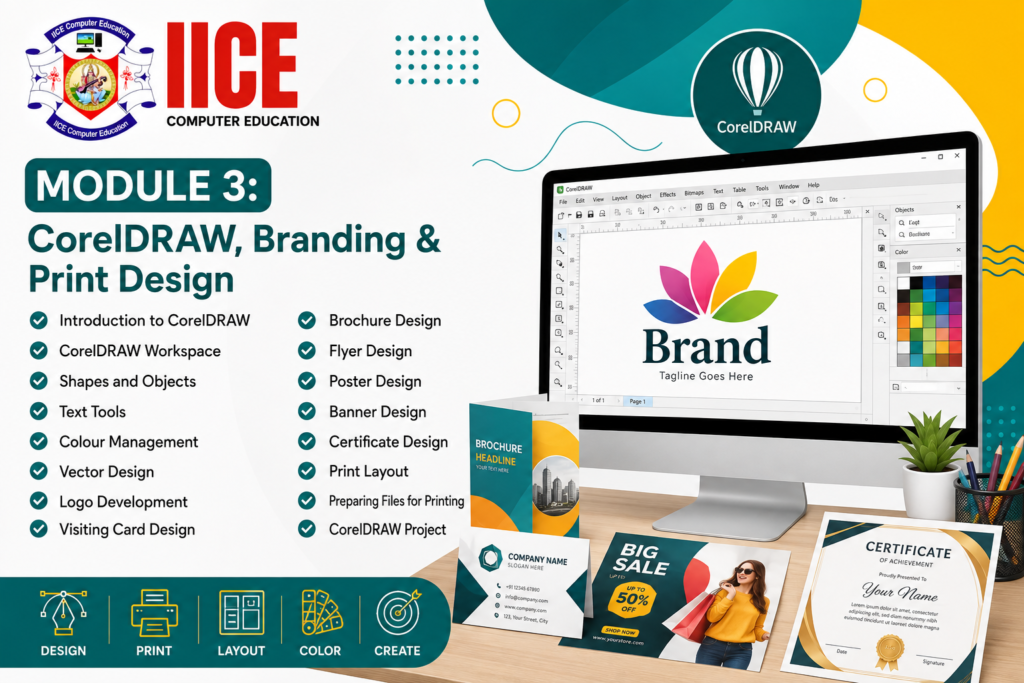
Learn CorelDRAW
CorelDRAW is commonly used for graphic and print design.
Students can practise creating:
- Visiting cards
- Brochures
- Flyers
- Posters
- Banners
- Certificates
- Business stationery
- Print layouts
This can help students understand how designs are prepared for different print requirements.
Learn Logo Design
A logo helps people recognize a business or organization.
Students can learn how to create simple and meaningful logos by thinking about:
- Shape
- Colour
- Font
- Symbol
- Brand message
The aim is to create designs that are simple, clear, and easy to remember.
Learn Social Media Graphic Design
Businesses and creators use images to communicate with people on social media.
Students can learn how to create designs for:
- YouTube
- Other digital platforms
They can learn how image size, text placement, colours, and visual hierarchy can make a social media design easier to understand.
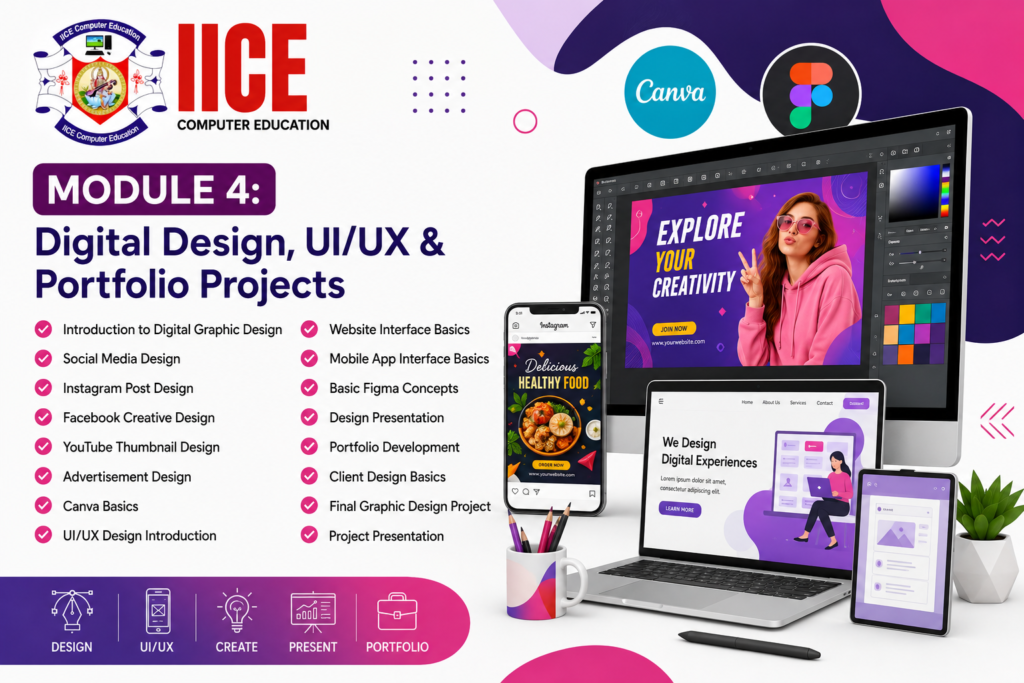
Learn UI/UX Design Basics
UI means User Interface, while UX means User Experience.
Students can learn how websites and mobile applications are designed to look clear and easy to use.
They can understand basic concepts such as:
- Buttons
- Menus
- Cards
- Colours
- Typography
- Page layouts
- Mobile screens
- User-friendly design
Learn Canva Graphic Design
Canva provides tools that beginners can use to create different types of visual content.
Students can learn how to create simple:
- Social media posts
- Presentations
- Posters
- Invitations
- Advertisements
- Thumbnails
Canva can be useful for students who want to create quick digital designs while also learning basic design principles.
Practical Graphic Designing Projects
Practical projects allow students to use their creativity and software skills together.
1. Brand Identity Project
Students create a simple brand identity for a fictional business, including a logo, colours, typography, and basic business materials.
Final Output: Complete basic brand identity.
2. Social Media Creative Project
Students create a collection of social media posts for a business or campaign.
Final Output: Social media design set.
3. Poster and Advertisement Project
Students create posters and advertisements for an event, product, or service.
Final Output: Digital advertising campaign.
4. Complete Graphic Design Portfolio
Students combine different designs such as logos, posters, social media creatives, brochures, banners, and other work.
Final Output: Personal graphic design portfolio.
Who Can Join a Graphic Designing Course?
A Graphic Designing Course in Shimla can be suitable for:
- School students
- College students
- Graduates
- Job seekers
- Beginners
- Freelancers
- Business owners
- Digital marketing learners
- Social media creators
- Creative learners
Students who enjoy drawing, colours, photography, computers, or creative work may find graphic design interesting.
Do I Need Drawing Skills?
No professional drawing skills are required to start a Graphic Designing Course.
Graphic design uses software, images, shapes, typography, colours, and layouts. Students can develop their creative skills through regular practice.
Is Graphic Designing Difficult?
Graphic designing can be easy to begin when students learn one concept at a time.
Students can start with simple designs and gradually learn Photoshop, Illustrator, CorelDRAW, Canva, branding, social media design, and UI/UX concepts.
Regular practice is important because design skills improve when students create and review their own work.
Graphic Designing Training in Shimla
Students searching for Graphic Designing Training in Shimla should look for practical learning, updated design software, creative assignments, project work, and portfolio development.
A good training program should allow students to create different types of designs instead of only learning software tools. Students should also learn how to choose colours, fonts, images, layouts, and design styles according to the purpose of each project.
Before joining, students should confirm the latest course duration, fees, batch timings, syllabus, software, certification, and project structure with the institute.
Career Opportunities After Graphic Designing
Graphic design skills can be useful in advertising agencies, digital marketing companies, printing businesses, media organizations, startups, businesses, and freelance work.
Depending on their education, skills, and experience, students can explore roles such as:
- Graphic Designer
- Junior Graphic Designer
- Photoshop Designer
- Illustrator Designer
- CorelDRAW Designer
- Logo Designer
- Social Media Designer
- Visual Designer
- Brand Designer
- UI Designer
- Graphic Design Intern
Students can also combine graphic design with digital marketing, social media marketing, UI/UX design, web design, video editing, or branding to develop additional skills.
Why Choose IICE Computer Education Shimla?
Graphic design is easier to understand when students can practise every concept on a computer. Instead of learning only the names of tools, students can create posters, logos, social media graphics, brochures, advertisements, and other practical designs.
IICE Computer Education Shimla provides computer and technology training with a practical learning approach. Students choosing a Graphic Designing Course in Shimla can learn through structured lessons, software practice, creative assignments, trainer guidance, and practical projects.
Key Reasons to Choose IICE
- ISO 9001:2015 Certified
- Government Registered
- MSME/Udyam Registered
- Practical computer training
- Beginner-friendly learning
- Adobe Photoshop training
- Adobe Illustrator training
- CorelDRAW training
- Canva design basics
- UI/UX design basics
- Branding and logo design
- Social media graphic design
- Project-based learning
- Trainer guidance
- Portfolio development
- Career-focused learning
- Classroom training in Shimla
IICE can be considered by students who want to learn graphic designing through practical computer training and create a portfolio of their own designs.