
Adobe Illustrator Course
August 18, 2026 2026-08-18 4:35Adobe Illustrator Course
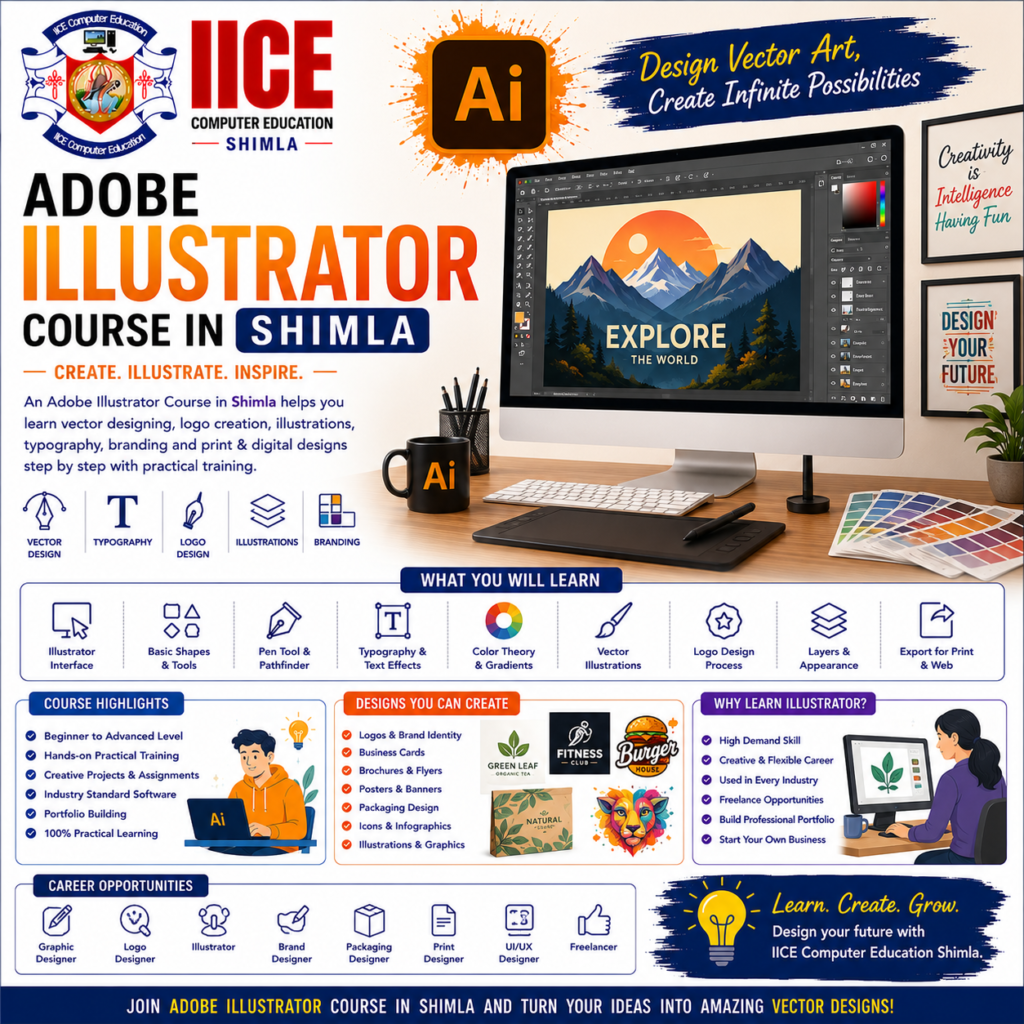
Adobe Illustrator Course in Shimla
Introduction
An Adobe Illustrator Course in Shimla helps students learn how to create logos, icons, illustrations, business designs, and other graphics using Adobe Illustrator. Illustrator is mainly used for vector designing, which allows designs to be resized for different purposes while maintaining their quality.
At IICE Computer Education Shimla, students can learn Illustrator step by step through simple lessons, computer practice, creative exercises, and practical projects.
Illustrator may look difficult when you first see its many tools, but beginners can learn it one tool at a time. Students can start with simple shapes and colours and gradually learn the Pen Tool, typography, vector drawing, logo design, illustrations, branding, and professional design techniques.
What Is Adobe Illustrator?
Adobe Illustrator is a graphic design software mainly used for creating vector graphics.
Unlike a normal photograph, vector artwork is created using paths, points, lines, shapes, and colours. This makes it useful for designs that may need to be used in different sizes.
For example, Illustrator can be used to create:
- Logos
- Icons
- Illustrations
- Business cards
- Posters
- Brand graphics
- Packaging designs
- Infographics
- Typography designs
In simple words:
Idea → Draw → Design → Edit → Improve → Export
Why Learn Adobe Illustrator?
Illustrator is useful for graphic designers, branding professionals, advertising agencies, businesses, digital marketers, and creative professionals.
Learning Illustrator can help students create original vector designs instead of depending only on ready-made templates.
Key Benefits
- Learn Illustrator from basics
- Understand vector graphics
- Learn professional design tools
- Create logos
- Design icons
- Learn typography
- Create illustrations
- Design business materials
- Create branding elements
- Make scalable graphics
- Work on practical projects
- Build an Illustrator portfolio
Adobe Illustrator Course for Beginners
An Adobe Illustrator Course in Shimla can be suitable for school and college students, graduates, job seekers, freelancers, graphic design learners, digital marketing students, and beginners interested in creative computer work.
Students do not need advanced drawing or design knowledge before joining. Basic computer knowledge and an interest in creative work are enough to begin.
What Will You Learn?
Students can learn Illustrator from basic tools to practical graphic design projects.
The learning journey can include:
Illustrator Basics → Shapes → Pen Tool → Vector Drawing → Typography → Logo Design → Illustration → Branding → Projects
Students can also learn how to prepare their designs for digital use and printing.
Adobe Illustrator Course Syllabus
The syllabus is divided into 4 major modules to make Illustrator learning simple and practical.
Module 1: Illustrator Basics & Vector Fundamentals
- Introduction to Adobe Illustrator
- Illustrator Workspace
- Creating New Documents
- Artboards
- Vector vs Raster Graphics
- Selection Tools
- Shape Tools
- Lines and Paths
- Fill and Stroke
- Colours and Swatches
- Gradients
- Transform Tools
- Align and Distribute
- Grouping Objects
- Basic Typography
- Saving and Exporting Files
- Basic Vector Design Project
Module 2: Pen Tool, Paths & Advanced Vector Design
- Understanding Paths
- Anchor Points
- Pen Tool
- Curvature Tool
- Direct Selection Tool
- Pathfinder
- Shape Builder Tool
- Clipping Masks
- Compound Shapes
- Layers
- Transparency
- Blending
- Gradients
- Pattern Basics
- Vector Tracing
- Object Transformation
- Advanced Vector Project
Module 3: Logo, Typography & Branding Design
- Logo Design Principles
- Logo Concepts
- Symbol Design
- Icon Design
- Typography
- Font Selection
- Text Effects
- Letter Spacing
- Creative Typography
- Business Card Design
- Letterhead Design
- Brand Colours
- Brand Elements
- Simple Brand Identity
- Logo Presentation
- Branding Project
Module 4: Illustration, Digital Design & Portfolio
- Digital Illustration Basics
- Character Illustration Basics
- Flat Illustrations
- Infographic Design
- Social Media Graphics
- Poster Design
- Banner Design
- Advertisement Design
- Packaging Design Basics
- Design Presentation
- File Preparation
- Export Settings
- Portfolio Development
- Final Illustrator Project
- Project Presentation
Why Choose IICE Computer Education Shimla?
Adobe Illustrator is best learned through practical design work. Students need opportunities to create logos, icons, illustrations, typography designs, branding materials, and other vector graphics.
IICE Computer Education Shimla provides computer and technology training with a practical learning approach. Students choosing an Adobe Illustrator Course in Shimla can learn through structured lessons, software practice, creative assignments, trainer guidance, and practical projects.
Key Reasons to Choose IICE
- ISO 9001:2015 Certified
- Government Registered
- MSME/Udyam Registered
- Practical computer training
- Beginner-friendly learning
- Adobe Illustrator training
- Vector design practice
- Logo design
- Typography design
- Icon design
- Digital illustration
- Branding basics
- Project-based learning
- Trainer guidance
- Portfolio development
- Career-focused learning
- Classroom training in Shimla
IICE can be considered by students who want to learn Adobe Illustrator through practical computer training and create a portfolio of their own vector designs.