
Adobe Photoshop Course
August 17, 2026 2026-08-17 7:05Adobe Photoshop Course
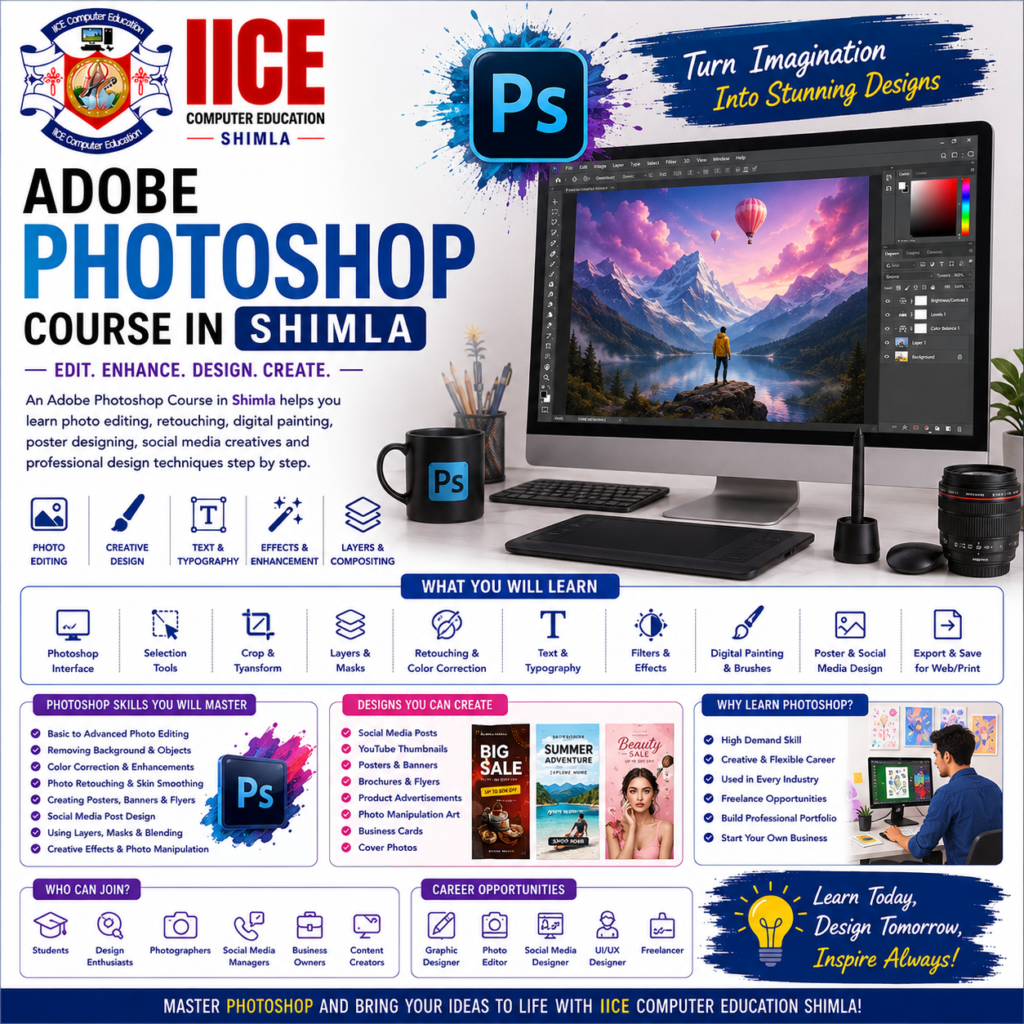
Adobe Photoshop Course in Shimla
Introduction
An Adobe Photoshop Course in Shimla helps students learn how to edit photos and create attractive digital designs using Adobe Photoshop. Students can learn how to crop and improve images, remove backgrounds, add text, create posters, design social media posts, and make creative advertisements.
At IICE Computer Education Shimla, students can learn Photoshop step by step through simple explanations, computer practice, creative exercises, and practical projects.
Photoshop may look complicated when you first open it, but beginners can learn it one tool at a time. Students can start with simple image editing and gradually learn layers, selections, masks, typography, photo retouching, effects, and professional design techniques.
What Is Adobe Photoshop?
Adobe Photoshop is a popular software used for editing images and creating digital designs.
For example, a designer can use Photoshop to:
- Improve a photograph
- Remove an unwanted background
- Create a poster
- Design a social media post
- Make an advertisement
- Add text to an image
- Combine different pictures
- Create website graphics
In simple words:
Open Image → Edit → Design → Improve → Export
Why Learn Adobe Photoshop?
Photoshop is useful in many creative fields, including graphic design, digital marketing, advertising, photography, social media, website design, and content creation.
Learning Photoshop can help students create their own designs instead of depending completely on ready-made templates.
Key Benefits
- Learn Photoshop from basics
- Understand the Photoshop workspace
- Edit and improve photographs
- Learn layers and selections
- Remove image backgrounds
- Create posters and banners
- Design social media graphics
- Learn photo retouching
- Create advertisements
- Add text and effects
- Prepare digital designs
- Build a Photoshop portfolio
Adobe Photoshop Course for Beginners
An Adobe Photoshop Course in Shimla can be suitable for school and college students, graduates, job seekers, freelancers, photographers, digital marketing learners, social media creators, and beginners interested in graphic design.
Students do not need professional design experience before joining. Basic computer knowledge and an interest in creative work are enough to begin.
What Will You Learn?
Students can learn Photoshop from basic tools to practical design work.
The learning journey can include:
Photoshop Basics → Image Editing → Layers → Selections → Masks → Retouching → Typography → Creative Design → Projects
The focus is on understanding what each tool does and when to use it.
Adobe Photoshop Course Syllabus
The syllabus is divided into 4 major modules so students can learn Photoshop step by step.
Module 1: Photoshop Basics & Image Editing
- Introduction to Adobe Photoshop
- Photoshop Workspace
- Creating and Opening Documents
- Image Size and Resolution
- File Formats
- Crop Tool
- Resize and Transform
- Selection Tools
- Move Tool
- Brush Tool
- Eraser Tool
- Colour Basics
- Foreground and Background Colours
- Basic Image Adjustments
- Saving and Exporting Images
- Basic Image Editing Project
Module 2: Layers, Masks & Advanced Editing
- Understanding Layers
- Layer Management
- Layer Groups
- Opacity and Blending
- Layer Styles
- Selection Techniques
- Quick Selection
- Magic Wand
- Pen Tool Basics
- Layer Masks
- Clipping Masks
- Background Removal
- Object Selection
- Image Compositing
- Smart Objects
- Practical Image Editing Project
Module 3: Photo Retouching & Graphic Design
- Photo Retouching Basics
- Spot Healing
- Healing Brush
- Clone Stamp
- Skin Retouching
- Colour Correction
- Brightness and Contrast
- Curves
- Levels
- Filters
- Typography
- Text Effects
- Shapes
- Poster Design
- Banner Design
- Advertisement Design
- Photo Retouching Project
Module 4: Digital Design & Portfolio Projects
- Social Media Post Design
- Instagram Creative Design
- Facebook Post Design
- YouTube Thumbnail Design
- Digital Advertisement
- Website Banner Design
- Promotional Creative
- Creative Photo Manipulation
- Composite Image Design
- Design Presentation
- File Preparation
- Export Settings
- Portfolio Development
- Final Photoshop Project
- Project Presentation
Why Choose IICE Computer Education Shimla?
Learning Photoshop becomes easier when students practise the tools while creating real designs. Instead of studying only the software interface, students can work on photographs, posters, social media graphics, advertisements, banners, and other creative projects.
IICE Computer Education Shimla provides computer and technology training with a practical learning approach. Students choosing an Adobe Photoshop Course in Shimla can learn through structured lessons, computer practice, creative assignments, trainer guidance, and practical projects.
Key Reasons to Choose IICE
- ISO 9001:2015 Certified
- Government Registered
- MSME/Udyam Registered
- Practical computer training
- Beginner-friendly learning
- Adobe Photoshop training
- Image editing practice
- Photo retouching
- Background removal
- Social media design
- Poster and advertisement design
- Project-based learning
- Trainer guidance
- Portfolio development
- Career-focused learning
- Classroom training in Shimla
IICE can be considered by students who want to learn Photoshop through practical computer training and create a portfolio of their own designs.