ADCA Course
November 6, 2026 2026-11-06 6:19ADCA Course
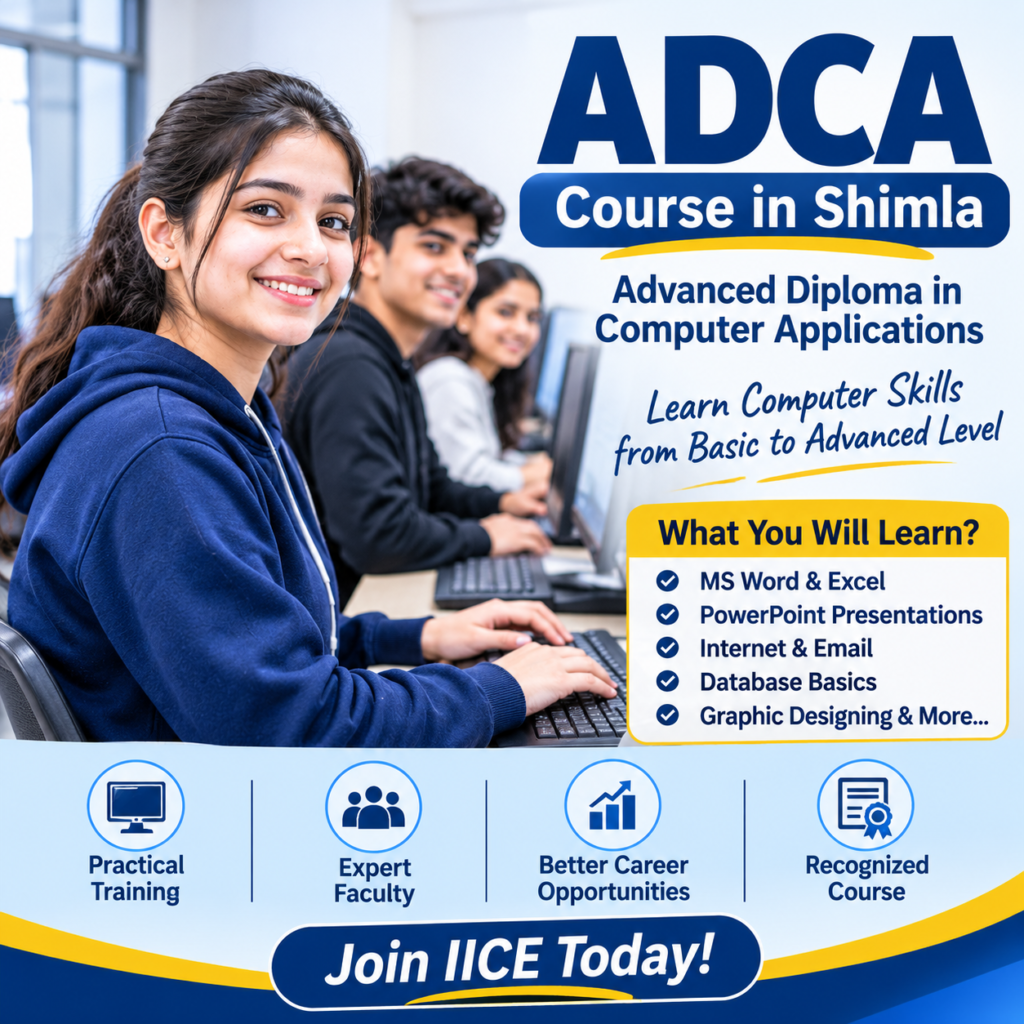
ADCA Course in Shimla
Are you looking for a computer course that can help you learn important computer skills and prepare for future job opportunities? The ADCA Course in Shimla is a good choice for students who want to learn computers from basic to advanced levels.
ADCA stands for Advanced Diploma in Computer Applications. This course teaches students how to use computers for everyday office work, create documents, prepare reports, manage data, use the internet, and work with different computer applications.
At IICE Computer Education Shimla, students learn computer skills through simple explanations and practical training. You will get the opportunity to work on computers, practise different software, and complete practical exercises.
Whether you are a school student, college student, graduate, or job seeker, the ADCA Computer Course can help you improve your computer knowledge and become more confident in using technology.
What Is ADCA?
ADCA stands for Advanced Diploma in Computer Applications. It is a computer training course that teaches students how to use computers and different software for personal, educational, and office work.
In simple words, ADCA teaches you how to:
Use a computer properly.
Create documents in MS Word.
Make tables and calculations in MS Excel.
Prepare presentations in PowerPoint.
Use the internet and email.
Manage files and folders.
Work with computer applications.
Create designs and documents using suitable software.
Understand basic database and computer concepts.
The course starts with basic computer knowledge and slowly moves towards advanced computer applications. It is suitable for students who want to develop useful computer skills.
Why Learn the ADCA Course?
Today, computers are used in schools, offices, shops, banks, businesses, and almost every industry. Knowing how to use a computer can make many daily tasks easier.
Learning ADCA can help you understand how computers work and how different software is used in real life.
Key Benefits of ADCA Training
Learn basic to advanced computer skills.
Understand computer hardware and software.
Learn MS Word, MS Excel, and PowerPoint.
Improve typing and document preparation skills.
Learn internet browsing and email management.
Understand data entry and data management.
Learn basic graphic designing and desktop publishing.
Develop office and administrative skills.
Practise real-life computer tasks.
Improve your confidence in using computers.
Prepare for entry-level computer-related jobs.
ADCA Course for Beginners
The ADCA Computer Course in Shimla is suitable for beginners who want to learn computers from the beginning.
You do not need advanced computer knowledge to join this course. Trainers explain every topic step by step so that students can understand and practise easily.
This course can be useful for:
School students who want to learn computer skills.
College students who want to improve their knowledge.
12th-pass students looking for professional computer training.
Graduates who want to improve their computer skills.
Job seekers preparing for office-related jobs.
Beginners who want to learn computer applications.
Working professionals who want to improve their computer knowledge.
What Will You Learn in the ADCA Course?
Students learn different computer applications through a step-by-step learning process.
Computer Fundamentals → Windows → MS Office → Advanced Excel → Internet & Email → Database Basics → Graphic Designing → Practical Projects
This learning process helps students understand computers and use different software confidently.
ADCA Course Syllabus
The ADCA syllabus at IICE Computer Education Shimla is designed to help students develop useful computer skills through theory and practical training.
Module 1: Computer Fundamentals
In this module, students learn the basic concepts of computers and understand how a computer works.
Topics Covered:
Introduction to Computers
History and Generations of Computers
Types of Computers
Parts of a Computer
Input and Output Devices
CPU and Its Functions
Computer Hardware and Software
RAM and ROM
Storage Devices
Operating Systems
Introduction to Windows
Starting and Shutting Down a Computer
File and Folder Management
Basic Computer Troubleshooting
Module 2: MS Word – Document Preparation
MS Word is used to create letters, applications, reports, resumes, and other documents.
Topics Covered:
Introduction to MS Word
Creating and Saving Documents
Editing and Formatting Text
Font Styles and Sizes
Paragraph Formatting
Page Setup and Margins
Bullets and Numbering
Creating and Formatting Tables
Adding Pictures and Shapes
Header and Footer
Page Numbers
Find and Replace
Mail Merge
Printing Documents
Practical Document Preparation
Module 3: MS Excel – Spreadsheet and Calculations
MS Excel helps users manage information, perform calculations, and prepare reports.
Topics Covered:
Introduction to MS Excel
Rows, Columns, and Cells
Creating Worksheets
Entering and Editing Data
Cell Formatting
Basic Formulas and Functions
SUM, AVERAGE, MIN, and MAX
COUNT and COUNTA
IF Function
Sorting and Filtering Data
Creating Tables
Conditional Formatting
Creating Charts and Graphs
Data Management
Preparing Salary Sheets
Preparing Mark Sheets
Preparing Monthly Expense Reports
Practical Excel Projects
Module 4: MS PowerPoint – Presentation Designing
PowerPoint is used to create attractive presentations for schools, colleges, offices, and businesses.
Topics Covered:
Introduction to PowerPoint
Creating New Presentations
Adding and Editing Slides
Slide Layouts
Text Formatting
Adding Pictures and Shapes
Tables and Charts
Themes and Templates
Slide Transitions
Animation Effects
Slide Show Settings
Presentation Design
Practical Presentation Projects
Module 5: Internet and Email
In this module, students learn how to use the internet for communication, information, and everyday work.
Topics Covered:
Introduction to the Internet
How the Internet Works
Web Browsers
Search Engines
Effective Google Searching
Creating and Managing Email Accounts
Sending and Receiving Emails
Sending Attachments
Downloading and Uploading Files
Online Forms
Internet Safety
Cyber Security Basics
Digital Payments Awareness
Online Communication
Module 6: Advanced Computer Applications
This module helps students understand some useful computer applications and tools used in offices and businesses.
Topics Covered:
Advanced MS Office Features
Advanced Excel Functions
Data Management
Basic Database Concepts
Introduction to MS Access
Creating Tables and Forms
Basic Queries and Reports
Data Entry Techniques
Office Documentation
Record Management
Basic Computer Maintenance
Practical Office Work
Module 7: Graphic Designing and Desktop Publishing (DTP)
Students learn how to create simple designs and prepare documents for printing and digital use.
Topics Covered:
Introduction to Graphic Designing
Basics of Design and Colours
Introduction to CorelDRAW
Introduction to Adobe Photoshop
Working with Images
Image Editing
Using Text and Shapes
Creating Simple Posters
Designing Visiting Cards
Creating Banners and Flyers
Introduction to Page Layout
Practical Designing Exercises
Module 8: Practical Training and Final Projects
Practical training helps students use the skills they have learned during the course.
Topics Covered:
Creating Professional Documents
Preparing Excel Reports
Creating PowerPoint Presentations
Managing Office Records
Data Entry Practice
Preparing Student Mark Sheets
Creating Salary Sheets
Designing Posters and Visiting Cards
Organising Computer Files
Complete Office Work Practice
Final Practical Project
Note: The final syllabus and software modules should be aligned with the actual training plan offered by IICE.
Why Choose IICE Computer Education Shimla for ADCA?
Choosing the right computer institute is important when you want to learn new skills. At IICE Computer Education Shimla, we focus on helping students understand computers through simple teaching and practical learning.
Our aim is to help students become confident in using computers and different applications.
Key Reasons to Choose IICE
ISO 9001:2015 Certified
Government of India registered organisation
MSME/Udyam Registered
15+ Years of Educational Experience
1500+ Students Trained
Practical Computer Training
Beginner-Friendly Teaching
Experienced Trainers
Modern Computer Lab
Individual Computer Practice
Real-Life Practical Exercises
Course Completion Support
Career Guidance
Placement Assistance
At IICE, students get an opportunity to practise what they learn instead of only reading about computers.
Career Opportunities After ADCA
After completing the ADCA Course, students can explore different entry-level job opportunities depending on their computer skills, education, and practical knowledge.
Some possible career options include:
Computer Operator
Data Entry Operator
Office Assistant
Computer Assistant
Back Office Executive
MS Office Operator
Documentation Assistant
Junior Office Executive
Computer Lab Assistant
Administrative Assistant
Billing Assistant
Students can also use their computer knowledge for further studies, competitive exam preparation, office work, or starting their own small business.